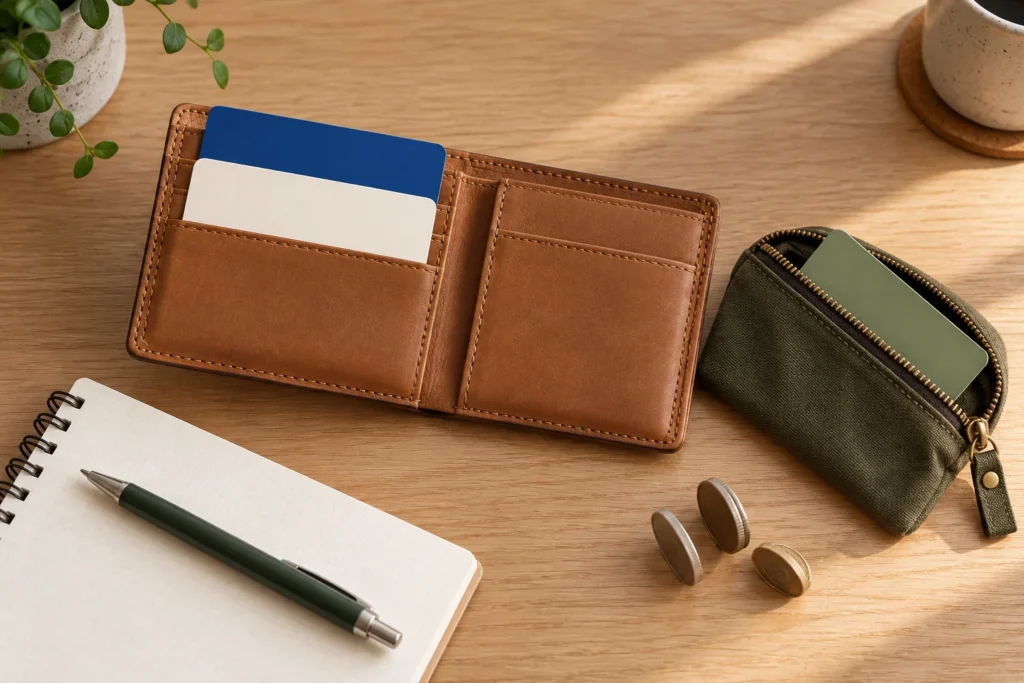
Keep a backup payment method separate from your main wallet. AI-generated illustration; cards are generic. Resized and compressed for the web.
Quick answer
Use your overseas card for ordinary purchases in Korea, but bring a second way to pay and keep some Korean won available. Plan ATM access separately: a card that pays for dinner is not proof that it can withdraw cash. Before leaving, check your issuer’s overseas-purchase settings, ATM permission, PIN, limits and fees.
Seoul’s official currency guide says major credit cards are accepted at most stores, restaurants, hotels and tourist destinations. That is broad acceptance, not a guarantee for your particular card or transaction. The useful question is what you will do if the next payment fails.
Give each payment method a job
Our planning recommendation is to separate purchases, cash access and transport before you travel. Two cards in the same phone wallet still depend on that phone; a physical backup stored separately gives you another route.
- Everyday purchases: bring a physical card enabled for overseas use. If you already have another suitable card, keep it available as a backup, ideally from another issuer.
- Cash access: identify a debit or other card whose issuer confirms overseas ATM withdrawals. Check the PIN and withdrawal conditions before you need cash.
- Transport: choose the actual ticket, transit card or pass for your journeys. Our Tmoney and Climate Card comparison covers that separate decision; a shop payment card is not automatically your transit plan.
Visa’s travel guidance recommends checking your available funds and daily ATM limit, and informing your issuer about travel. Follow your own bank’s process: some handle travel settings in an app. Make sure you can receive any verification it requires while abroad.
How much cash should you prepare?
Build a small cash budget from your itinerary rather than copying a fixed amount per day. List purchases where you have confirmed cash is needed, any cash loading required by your chosen transport product, and an amount you would want available if one ordinary payment failed. Subtract cash you already have. Reassess after your first successful withdrawal instead of carrying the entire trip budget in notes.
Illustrative budget, not quoted prices: if you choose KRW 20,000 for market spending, KRW 10,000 for a planned cash reload, and KRW 30,000 as a backup, your cash target is KRW 60,000. If you already have KRW 15,000, the gap is KRW 45,000. Replace each input with your own plans; an ATM’s available denominations may require a different withdrawal amount.
For example, a traveler with prepaid accommodation and mostly card purchases has a different cash need from someone planning several markets and small vendors. Ask about payment before ordering when the accepted methods are unclear. The Soul of Seoul’s local travel guide also notes that some small businesses need cash and ATM compatibility varies. Its suggested cash amount is one author’s starting point, not a requirement for every visitor.
Do not assume every transit purchase needs cash. Since March 17, 2026, Seoul’s new machines on Lines 1–8 accept overseas credit/debit cards for Climate Card purchases, short-term pass loading and single-journey tickets, with an average service fee of approximately 3.7%. This announcement does not establish the same option for ordinary Tmoney reloads or direct card taps at the gate.
Find a compatible ATM before you run out
Visit Seoul’s money guide says international-card ATMs are marked with a Global sign or the relevant international-card logos, and that many offer English. Check the specific machine and your card’s network rather than assuming every machine in a bank or convenience store accepts it. For JCB holders, JCB’s Korea partner list explicitly directs cards issued outside Korea to Global ATMs.
Mastercard holders can start with the official ATM locator, searching near their hotel or next stop. Save a second option nearby. A listing helps you find a candidate; your issuer and that machine still determine whether a withdrawal succeeds.
- Confirm that the machine supports your card network and select a language you understand.
- Follow its withdrawal instructions using your issuer-confirmed PIN. Select an amount within both the machine’s displayed limit and your own card limit.
- Read the operator fee and any currency-conversion offer before confirming. You can cancel if the cost or wording is unclear.
- Collect your card, cash and receipt, then check the amount against the transaction record.
Mastercard’s ATM guidance distinguishes the machine owner’s fee from your issuer’s fees and directs cardholders to their issuer for PIN or rejected-card problems. There is no single fee or withdrawal limit this guide can promise for all foreign cards.
Choose KRW when you want your issuer to handle conversion
A terminal or ATM may offer to bill you in your home currency. This is dynamic currency conversion, or DCC. It is separate from the cash you receive: an ATM can dispense won while offering to bill your card in another currency.
Visa’s DCC explanation says the offer should show both amounts, the exchange rate and additional fees or markup, with a choice to accept or decline. Choosing local currency, KRW, declines that conversion offer; your issuer’s own exchange rate and applicable charges still matter. Check the final currency on the receipt. If the screen does not clearly distinguish the choices, cancel and seek help rather than guessing.
If a payment fails, identify where it failed
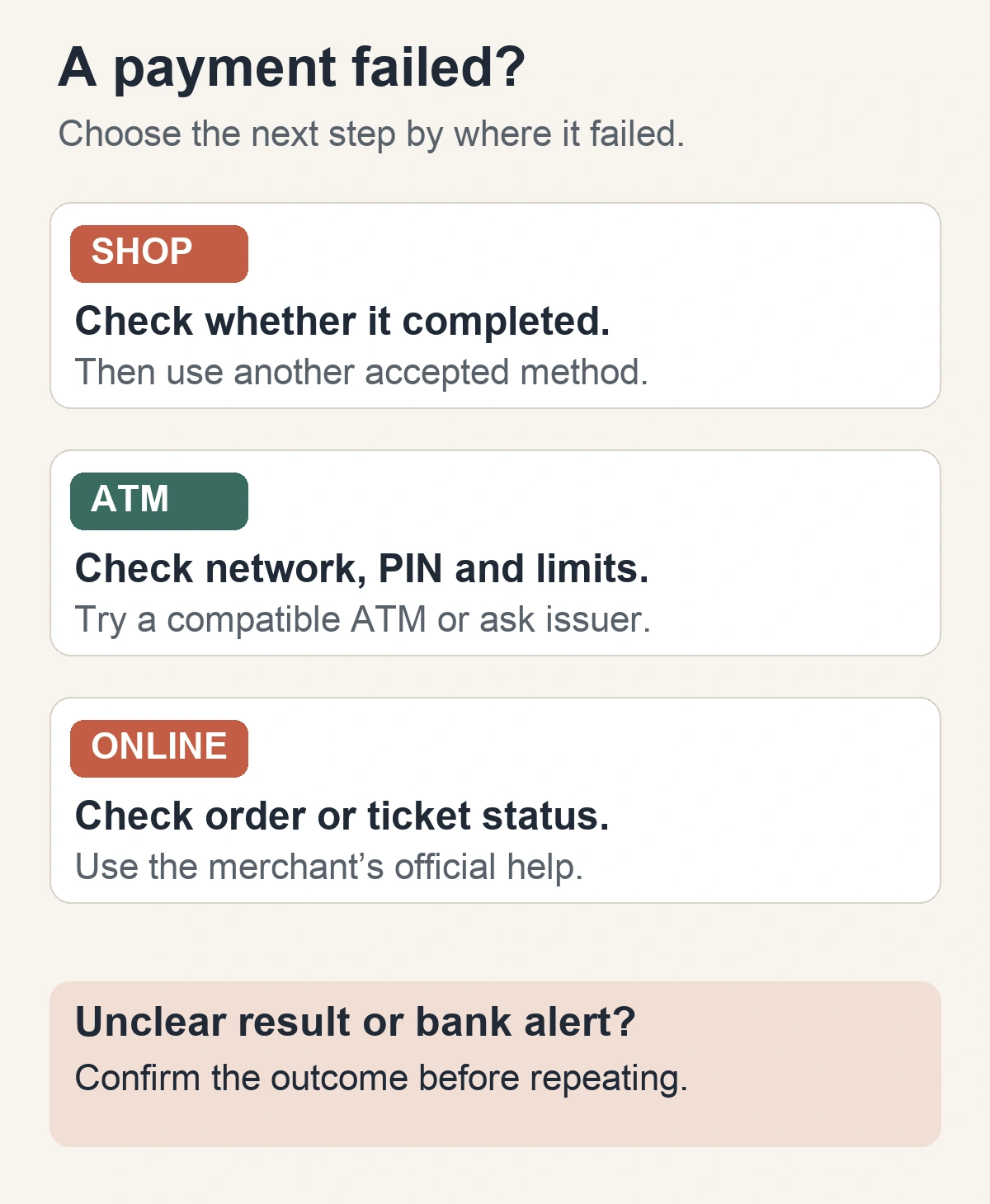
At a shop: ask staff to confirm whether the transaction completed before trying another method. Try your backup card or available won if accepted. If the result is uncertain or a bank notification appears, keep the receipt or error details and ask the merchant and issuer to clarify it.
At an ATM: check the international-card support, PIN and limits. If these are correct, try another compatible machine or contact your issuer. Do not keep guessing a PIN or assume a credit card is an equivalent substitute.
A credit-card ATM withdrawal is generally a cash advance, which can add fees and immediate interest. The US Consumer Financial Protection Bureau explains the distinction; exact terms depend on your issuer. Check those terms before using that fallback.
At an online checkout: use the merchant’s official help and payment instructions. Retail acceptance does not establish online compatibility. For rail reservations, our KTX booking and payment checks explain why you should confirm ticket issuance before repeating payment.
If you brought foreign cash, a bank or authorized exchange office is another option. Seoul’s currency-exchange guidance says visitors need a passport or residence card; check the specific counter’s hours and accepted currency. Do not leave this task until the last moment before a journey.
Sources checked on October 27, 2026. This guide provides planning steps based on official information; it does not report a test of any particular card or ATM.