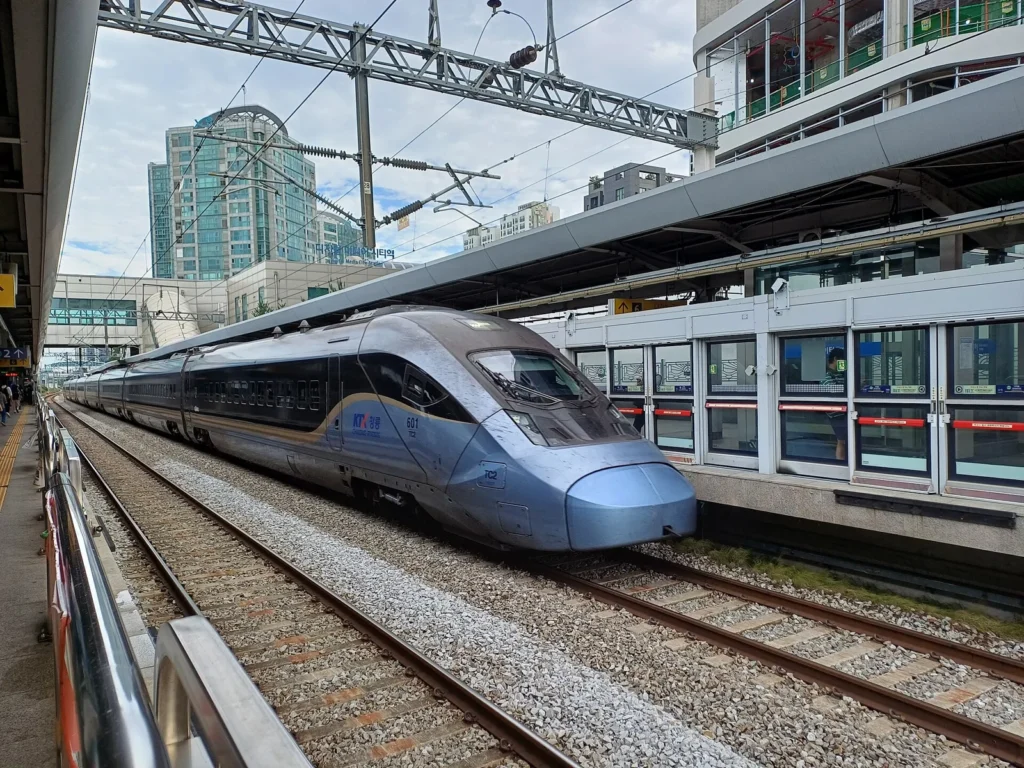
KTX-Cheongryong passing Digital Media City station on 2 September 2026. Train type varies by service. Photo: 블루라인, CC BY 3.0 (via Wikimedia Commons). Resized and compressed for the web. Cover displays may be cropped.
Quick answer
You can book KTX tickets through KORAIL’s official English reservation site. For international visitors, the current booking window opens at 07:00 Korea time two months before departure. Check your departure station, complete payment, and confirm that an actual ticket has been issued before treating the journey as booked.
The two-month window is a recent change: KORAIL says it expanded advance booking for foreign travelers from October 1, 2026. Older guides that say one month may no longer describe the current service. See the current ticketing guide and KORAIL’s October announcement.
Choose the station before choosing the train
Start with the exact departure and arrival stations, travel date, and passenger details. A city name in your itinerary is not enough to check whether a particular train fits your hotel or onward plans. Match the station shown in the booking results with your map and accommodation address.
For each journey, write down:
- The departure and arrival stations shown in the reservation system.
- Your travel date and a realistic arrival time at the departure station.
- The number of passengers and the applicable passenger categories.
- Any connection, hotel check-in, or activity that limits which trains you can take.
If you plan to catch a KTX after landing, work out the airport transfer separately before selecting a departure. Our Incheon Airport transport guide helps you compare that first part of the journey.

When can you book KTX tickets?
Use the current KORAIL ticketing guide as your reference for the booking window. “Two months” is the operator’s wording; do not substitute a fixed number of days when setting a reminder.
If your date or train does not appear, first check the date, stations, and current KORAIL notices. A missing result alone does not tell you whether you are outside the sales window, affected by a timetable update, or looking at a sold-out service. For a holiday journey, check for a specific booking announcement before relying on the usual release time.
Book through the official English site
- Open the reservation page. Use the official KORAIL English booking link, then enter your stations, date, and passengers.
- Compare the available departures. Check the train type, arrival time, class, fare, and any conditions displayed for your selection. Use the live fare for your journey rather than a price quoted in an old blog post.
- Complete the requested traveler and contact fields. Keep a secure record of the email address and password used for the booking. You will need the same details to retrieve the ticket.
- Pay using the options offered at checkout. KORAIL’s ticketing guide lists credit-card payment. Read the payment and cancellation information before confirming.
- Open the issued ticket. Check the date, stations, train, passengers, and any assigned carriage and seat. Save the booking reference and keep a way to reopen the ticket during your trip.
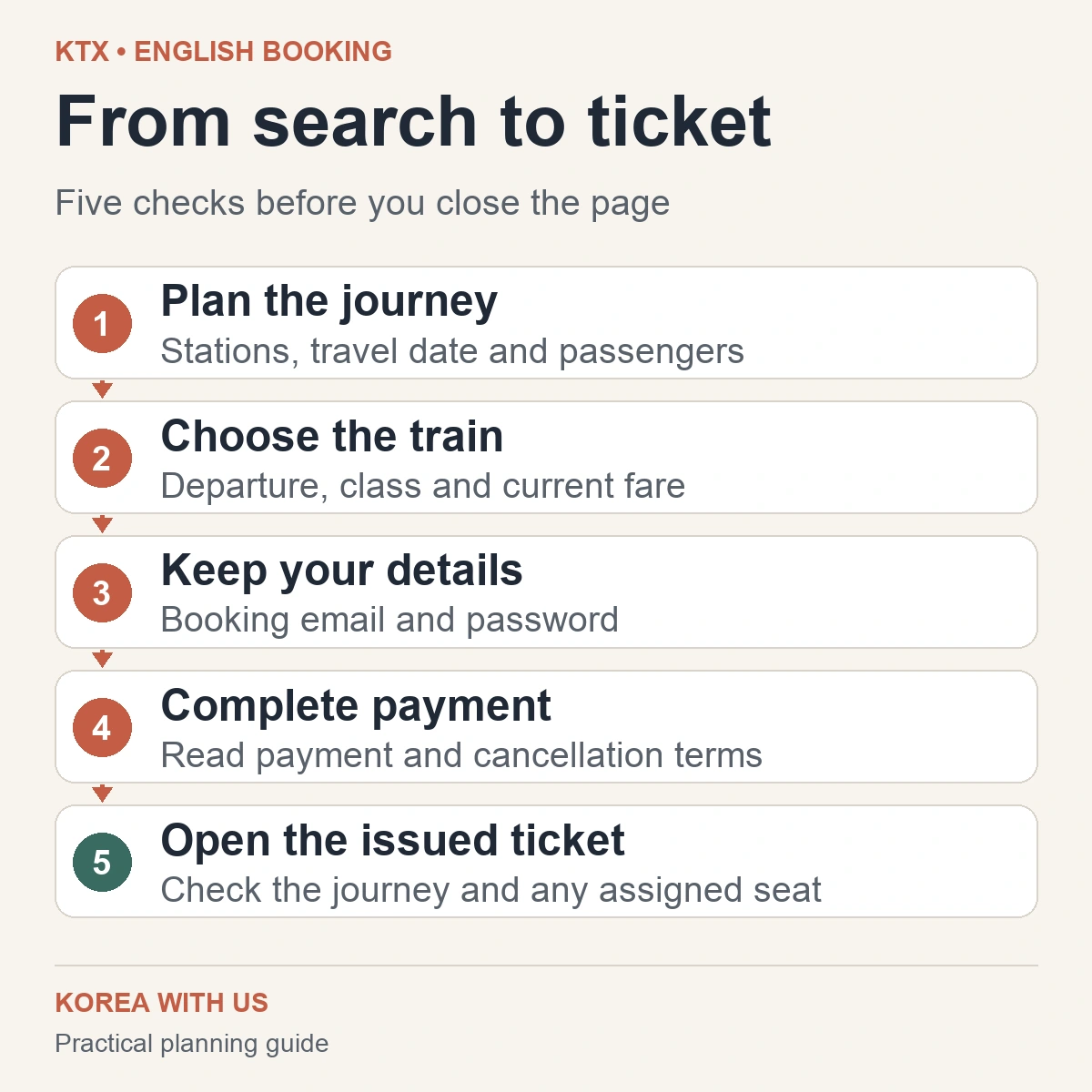
These are booking checks, not a record of a purchase we completed. Interface labels and available options can change, so follow the instructions shown in your live booking session.
If your overseas card payment fails
Before trying again, check whether a ticket already appears under MY TICKET. A bank notification and an issued rail ticket are different things; inspect both when a payment attempt ends with an error or an unclear result.
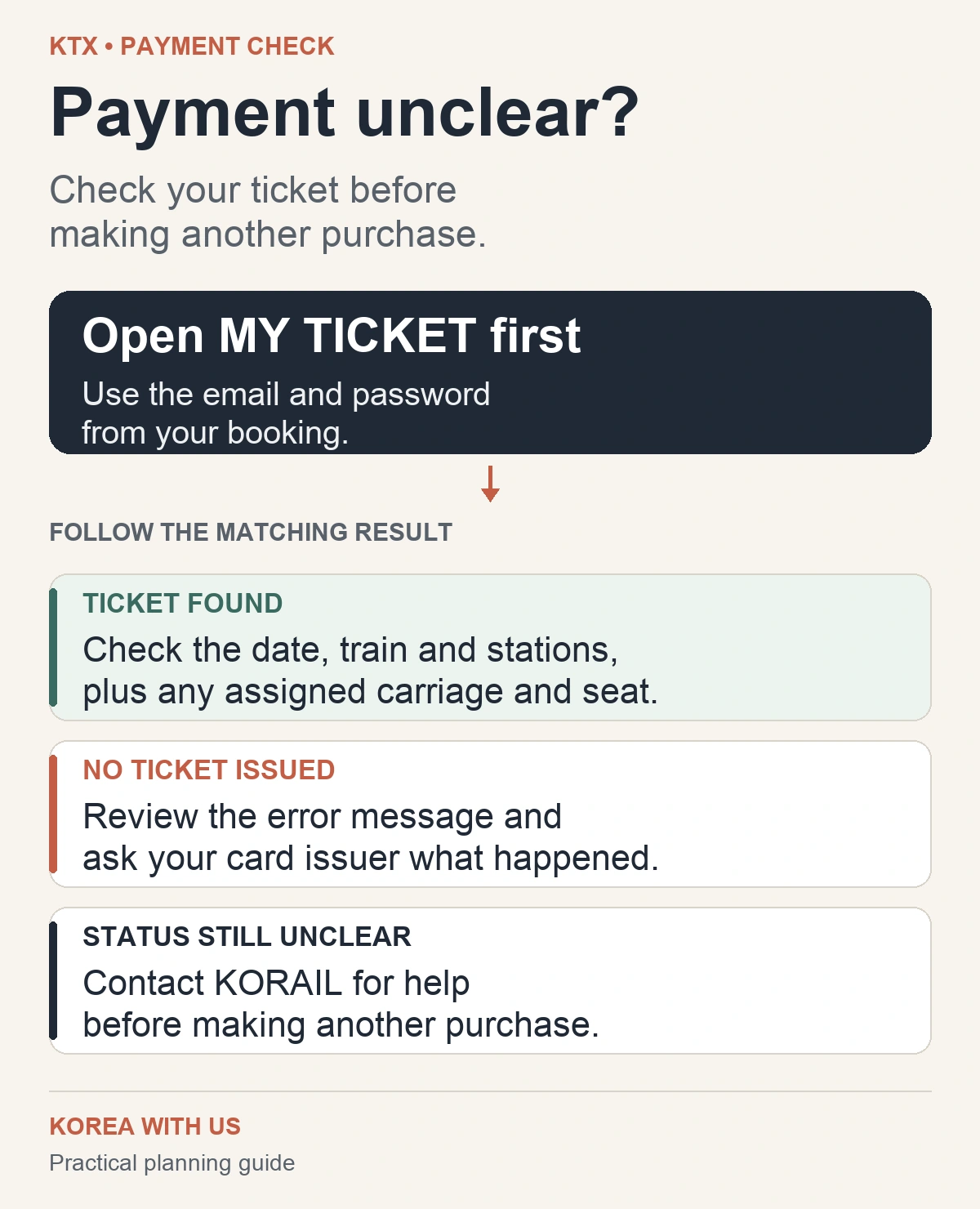
If no ticket was issued, review the message shown by the booking site and ask your card issuer whether it blocked the transaction or needs additional verification. Another card may be worth trying if you have one, but this guide cannot guarantee acceptance of a particular overseas card or card network.
For unresolved booking problems, VISITKOREA lists KORAIL’s English customer service at +82-1599-7777, from 08:00 to 20:00 daily. KORAIL also sells tickets at railway stations. Buying after arrival depends on remaining availability, so it is a fallback to assess, not a guaranteed seat.
Retrieve your ticket before travel day
KORAIL’s ticketing guide says to use the email address and password supplied when purchasing, with the same capitalization, to check your reservation. Open MY TICKET while you still have time to resolve a login or booking problem.
Follow the issued ticket’s instructions for presenting it. Do not assume that a payment receipt, email preview, or screenshot meets the requirements for every ticket format. If you book a return journey separately, check that you can retrieve both legs.
Changing or canceling a booking
Before making a replacement booking, check how your existing ticket can be changed or refunded. Do not assume that changing trains is free or that buying a new ticket automatically cancels the old one.
For tickets bought through KORAIL’s English site, the official refund instructions direct travelers to MY TICKET before departure. After departure, they direct travelers to a station ticket office; a refund is not available after the scheduled arrival time. Fees depend on the applicable timing and travel-day rules, so check the amount shown for your own ticket.
If you bought through another seller, use that seller’s booking-management instructions and check its service fees and cancellation conditions. Keep those terms with your confirmation.
Before you close the booking page
Make sure you can answer three questions: Is this the right station and date? Has my ticket actually been issued? Can I retrieve it and find the cancellation terms? Once those are settled, leave enough time for the station journey and your next connection. Our first-day Seoul planning checklist can help if this train journey is part of your arrival plans.
Sources checked on October 27, 2026. This guide uses official booking information and practical planning checks; it does not report a test purchase.